Understanding AI
A Guide for Teachers, Parents and Students.
How New Tech Changes Our World
The Printing Press: When the printing press was invented, it completely changed how information was shared. Before, books were copied by hand, which took forever!
The Internet: The internet connected the world in a way no one could have imagined. It changed how we communicate, learn, shop, and find information. At first, it was confusing, but now it’s an essential part of our lives.
Smartphones: The smartphone put a powerful computer in our pockets. It combined a phone, camera, music player, and web browser into one device. It changed how we navigate, stay in touch, and get news.
What Is AI, Anyway?
Artificial intelligence(AI) refers to programs designed to anticipate and perform tasks.
As of 2025 is the new tech that is changing the world.
- In a classic computer program you describe every step you want the computer to execute.
- An AI program, Instead of being told every single step to take, it can figure things out on its own by looking at huge amounts of information, or data (also called Training Data Set).
Like an autocomplete functionality, it is designed to anticipate and complete tasks, but on a much larger and more complex scale. It’s about using vast amounts of data to find patterns and make predictions. This means AI can “figure things out” by learning from examples.
- Classic programs: Need every step explained.
- AI programs: Learn from data, find patterns, and can make predictions or suggestions.
Common Misconceptions About AI
- AI Thinks Like a Human
It does not, it is a very complex computer program that is designed to recognize patterns in data. While it can produce text or images that seem creative, it is not actually “thinking” or “feeling.” It’s just predicting the most likely words or pixels based on the data it was trained on.
- AI Is Always Right and Unbiased
AI is only as good as the data it learns from. If the data used to train an AI is incomplete or contains human biases, the AI’s results can also be biased and even incorrect.- A critical limitation for any AI is hallucination.
This is when an AI, generates a response that sounds factual and confident but is actually false or nonsensical. AI isn’t trying to lie. It’s simply making a statistical prediction about what words are most likely to follow one another based on its training data. You should be aware of this limitation.
- A critical limitation for any AI is hallucination.
- AI Will Replace All Human Jobs
AI is very good at automating simple, repetitive tasks, but it’s not good at things that require creativity, empathy, or critical thinking (complex problem-solving). Read more about this: [2303.10130] GPTs are GPTs: An Early Look at the Labor Market Impact Potential of Large Language Models
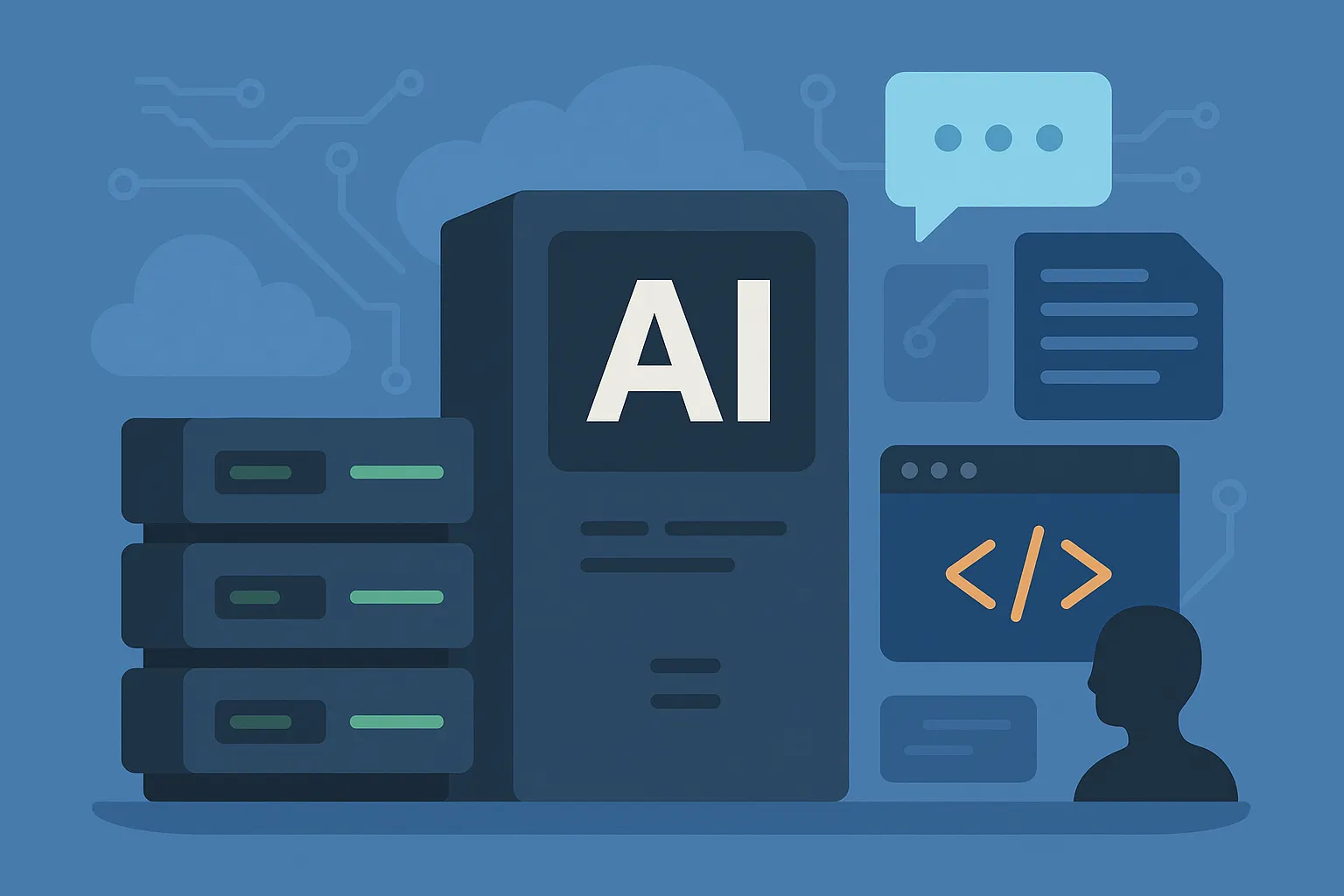
Here’s how an AI infrastructure might look like:
Applications & Tools | Foundation Models | Cloud or Local Infrastructure | Hardware |
GitHub Copilot • ChatGPT • LangChain | OpenAI GPT • Meta LLaMA • Anthropic Claude • Google Gemini | AWS • Azure • Google Cloud | NVIDIA GPUs • AMD GPUs • Intel accelerators |
Lets focus next on understanding Applications & Tools
Applications & Tools: Types
Note: Many products can span levels depending on how they’re configured (for example, a chat app can be upgraded with tools to behave more like a workflow or an agent).
Level 1 — Conversational LLM Apps
What they are:
- User-facing chat interfaces powered by large language models.
Examples:
- ChatGPT, Google Gemini, Anthropic Claude, Microsoft Copilot.
How they operate:
- Primarily prompt-and-response chat. Some offer optional tools (e.g., web browsing, code interpreter), but are typically used for direct conversation.
Strengths:
- Fast, general-purpose assistance (Q&A, drafting, brainstorming, explanations).
Limitations:
- Model knowledge may be outdated or incomplete without external tools.
- Outputs are not guaranteed to be deterministic or fully accurate—verification is recommended.
Level 2 — AI Workflows (Orchestrated)
What they are:
- Pre-defined, auditable process flows that route a request through specific steps (e.g., retrieve → reason → respond).
Typical components:
- Connectors to internal data sources, retrieval-augmented generation (RAG), prompt templates, validation and guardrails, logging.
Good for:
- Knowledge retrieval, documentation bots, FAQ systems, form-fillers, routing/classification, summarization pipelines.
Strengths:
- More predictable and repeatable than ad‑hoc chat; easier to govern and monitor; aligned to specific business tasks.
Limitations:
- Constrained to the designed paths; still includes probabilistic LLM steps; requires data prep and maintenance.
Level 3 — AI Agents (Goal-Directed, Tool-Using)
What they are:
- Systems that plan and execute multi-step tasks, calling tools/APIs, using context and memory, and iterating toward a goal.
Capabilities:
- Chains of actions (plan → act → observe → adjust), integration with external systems, dynamic decision-making. Examples include Google’s Project Astra and open-source projects like Auto-GPT.
Strengths:
- Can automate complex tasks across applications (e.g., research + data entry + scheduling + reporting).
Limitations and safeguards:
- Less predictable and more autonomous than workflows.
- Requires strong guardrails (permissions, sandboxing), monitoring, human-in-the-loop for higher-risk actions, and clear success/failure criteria.
Things You Can Try With an AI Application in 2025
Here are practical, safe, and fun ways to use an AI app. Pick a few and try the example prompts. Features vary by app; some ideas require file upload, web access, or integrations.
Topic | Category | Example Prompts |
Communication | Chat in different languages | “Let’s practice a basic conversation in Spanish…” “Translate this paragraph into French…” |
Rewrite for tone/clarity | “Rewrite this to sound friendly and concise.” “Make this more formal and professional.” | |
Summarize & extract key points | “Summarize this email thread in 5 bullet points…” | |
Learning & Tutoring | Explain concepts | “Explain gravity to a 10-year-old, then to a high schooler.” |
Step-by-step problem solving | “Show each step to solve this algebra problem…” | |
Quizzes & flashcards | “Create 10 flashcards for the following topic..” | |
Creativity & Content | Stories & scripts | “Write a 200-word bedtime story about a curious robot…” |
Brainstorming | “Give 20 name ideas for a kids’ science club. Group them by theme.” | |
Poems, lyrics, slogans | “Write a short, upbeat slogan for a community clean-up day.” | |
Images (if supported) | “Create a colorful poster of ‘Reading Week’ with friendly animals.” | |
Productivity & Work | Drafts & outlines | “Outline a 5-section blog post on healthy screen habits…” “Draft a polite follow-up email…” |
Meeting prep & notes | “Create an agenda with time boxes for a 30-minute check-in.” “Turn these notes into action items…” | |
Resume & job help | “Rewrite these resume bullets using metrics and action verbs.” | |
Coding & Technical Tasks | Code snippets & explanations | “Write a Python function that deduplicates a list…” “Explain what this error means…” |
SQL, regex, testing | “Write a PostgreSQL query for top 5 customers…” “Create a regex that validates US phone numbers…” | |
Documentation | “Generate docstrings and a usage example for this function.” | |
Data & Research Assistance | Tables & structured output | “Turn this list into a Markdown table with columns” |
Extract & compare | “From this article, extract pros/cons and open questions.” | |
Long document digestion | “Summarize this PDF into a 10-bullet executive summary and 3 risks.” | |
Planning & Everyday Life | Itineraries & checklists | “Plan a 2-day family trip with budget-friendly activities.” |
Meal plans & workouts | “Create a 5-day vegetarian dinner plan with a grocery list.” | |
Study schedules & routines | “Design a weekly study plan for Algebra I, 45 minutes/day.” | |
Accessibility & Inclusion | Simplify reading level | “Rewrite this for a CEFR A2 audience.” |
Alt text & captions | “Write descriptive alt text for this image description.” | |
Formatting for readability | “Convert this wall of text into bullet points with clear headings.” | |
Kids & Family Fun | Games & puzzles | “Create a 10-question animal trivia quiz for ages 8–10.” |
Personalized stories | “Make a choose-your-own-adventure story starring a kid named…” | |
Learning boosters | “Generate 5 everyday math word problems about snacks and sharing.” | |
Safety & Good Practices | Verify facts | “Cross-check medical, legal, financial, or safety-critical info with trusted sources.” |
Protect privacy | “Avoid sharing sensitive personal, financial, or location details.” | |
Be specific & iterate | “Use clear goals, constraints, and examples. Ask the model to show steps or cite sources.” | |
Quick Prompt Formula | Prompt design tip | Role + Task + Context + Constraints + Output format Example: “You are a helpful tutor. Task: explain photosynthesis to a 12‑year‑old. Context: they’re visual learners. Constraints: 150 words max, simple vocabulary. Output: 5 bullet points and a 1‑sentence summary.” |
Examples of AI clients you can use
Platform | Company / Backing | URL | Characteristic |
ChatGPT (Free Tier) | OpenAI (Microsoft) | Most popular and widely trusted AI chat. | |
Bard / Gemini | Google (Alphabet) | Strong search integration with Google. | |
Copilot (Bing Chat) | Microsoft + OpenAI | Best integration with your Microsoft account. | |
Claude | Anthropic (Amazon, Google) | Handles very long conversations and context. |
Key Takeaways
- AI is a tool, not a person: it predicts patterns from data.
- Benefits are real (speed, ideas, personalization) but so are limits (bias, hallucination, gaps).
- Make sure you match AI tools to tasks.
- Human judgment matters - Start small, learn safely, and grow skills over time.
- Be aware of your Privacy and Data.
AI Use Policy
- Allowed: brainstorming, outlining, language practice.
- Must: verify important facts; cite AI assistance when used, avoid sharing sensitive information.
- Review: Update tools and guardrails as features change.
AI changed how we interact with technology.
Before, it wasn’t possible to have a real dialogue with a computer and have it understand you through natural language.
Now, you can hold meaningful, multi-turn conversations with AI, getting context-aware and personalized responses.
Whether you like it or not, AI will impact your life — so it’s important to pay attention. You’ll need to learn how to use it, understand its strengths and limitations, and adapt as it becomes a bigger part of everyday life.
Here you can find a presentation of the same content - https://gamma.app/docs/edunodesro-k2n2xhhdi6vsqjy